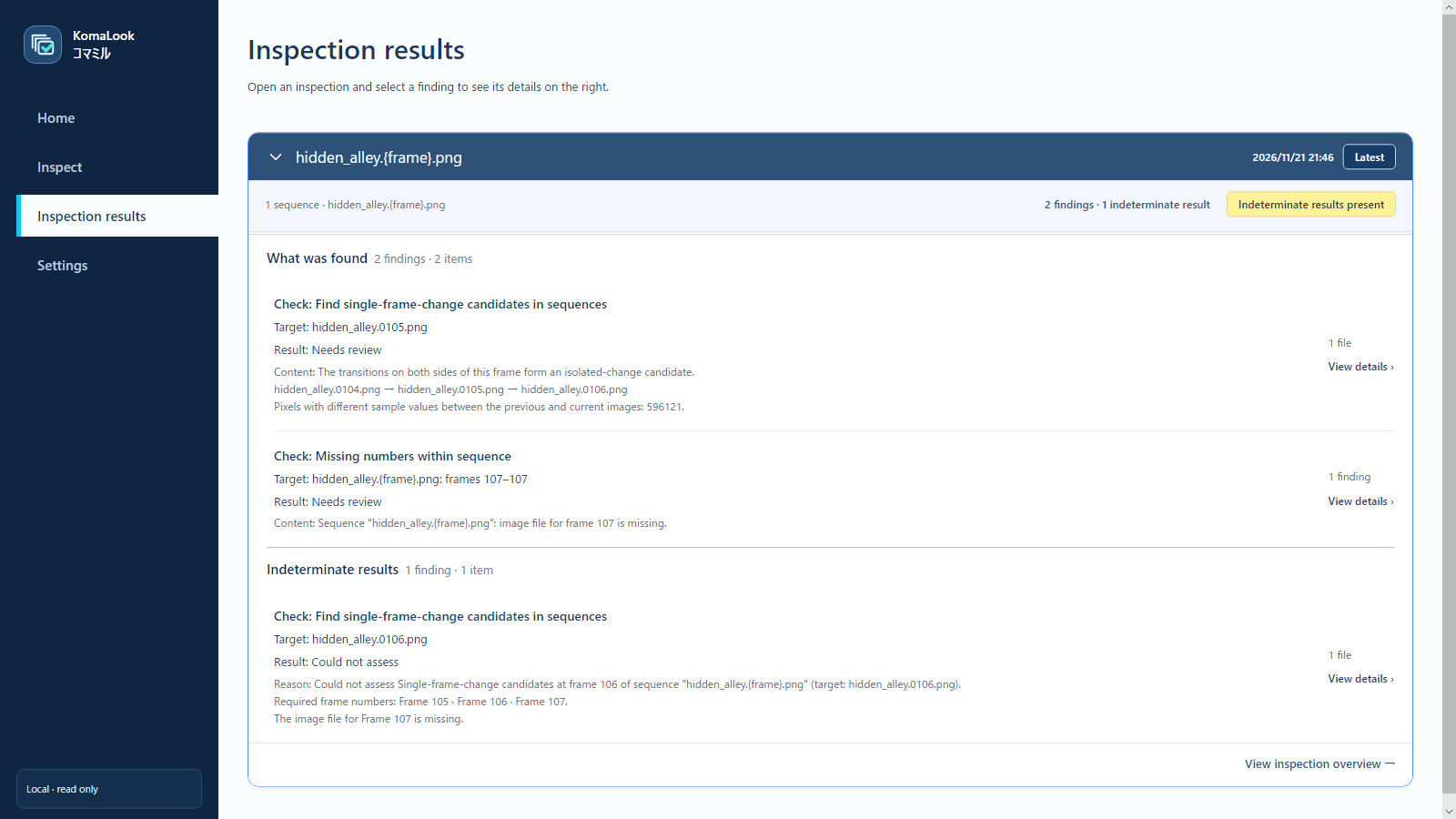
Find missing frame numbers
Open a folder of numbered images to check for gaps and files that share the same frame number.
KomaLook
Find missing frame numbers and potential single-frame changes in image sequences. Compare frames side by side and export inspection results as HTML.
Open a folder of numbered images to check for gaps and files that share the same frame number.
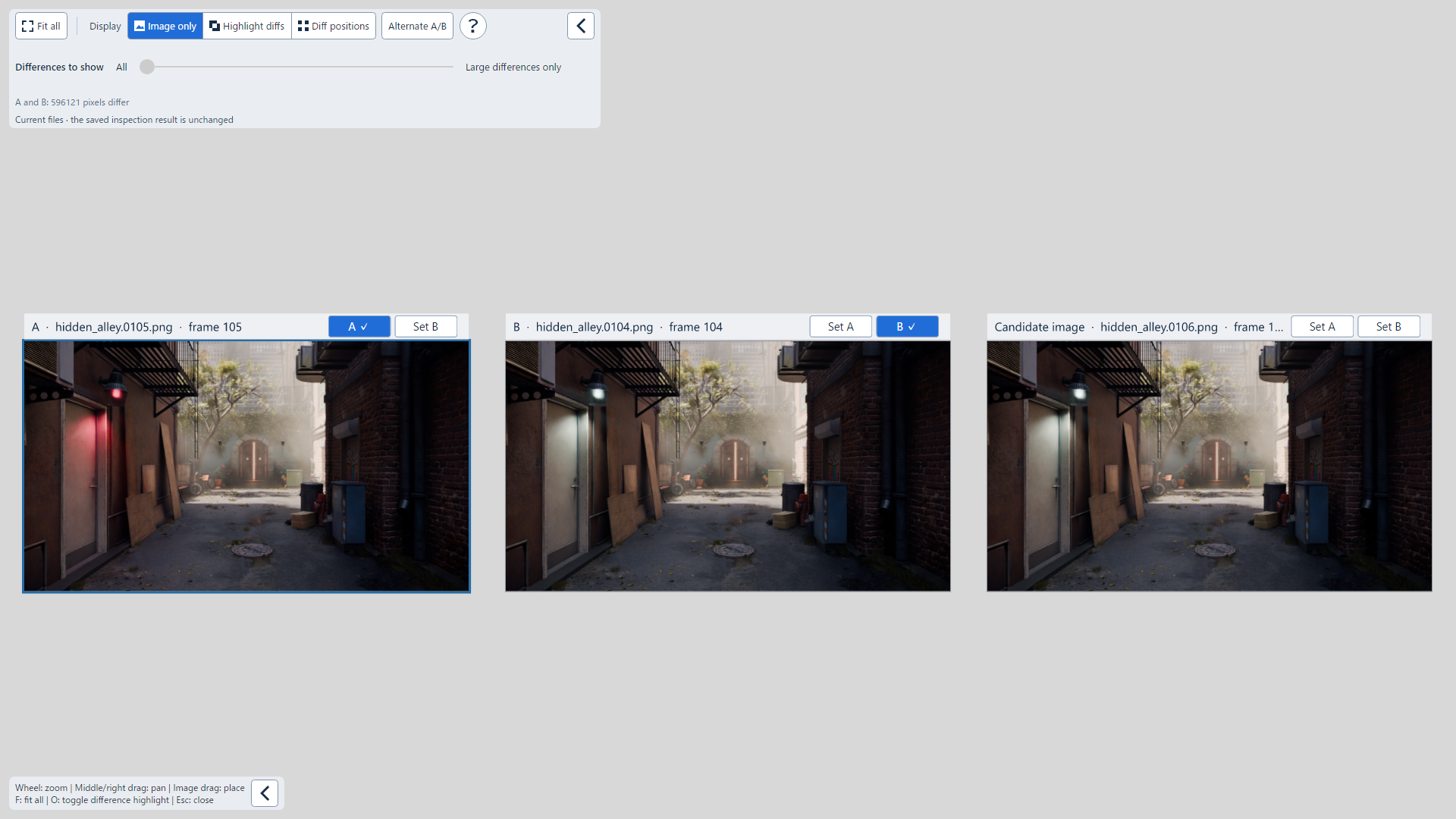
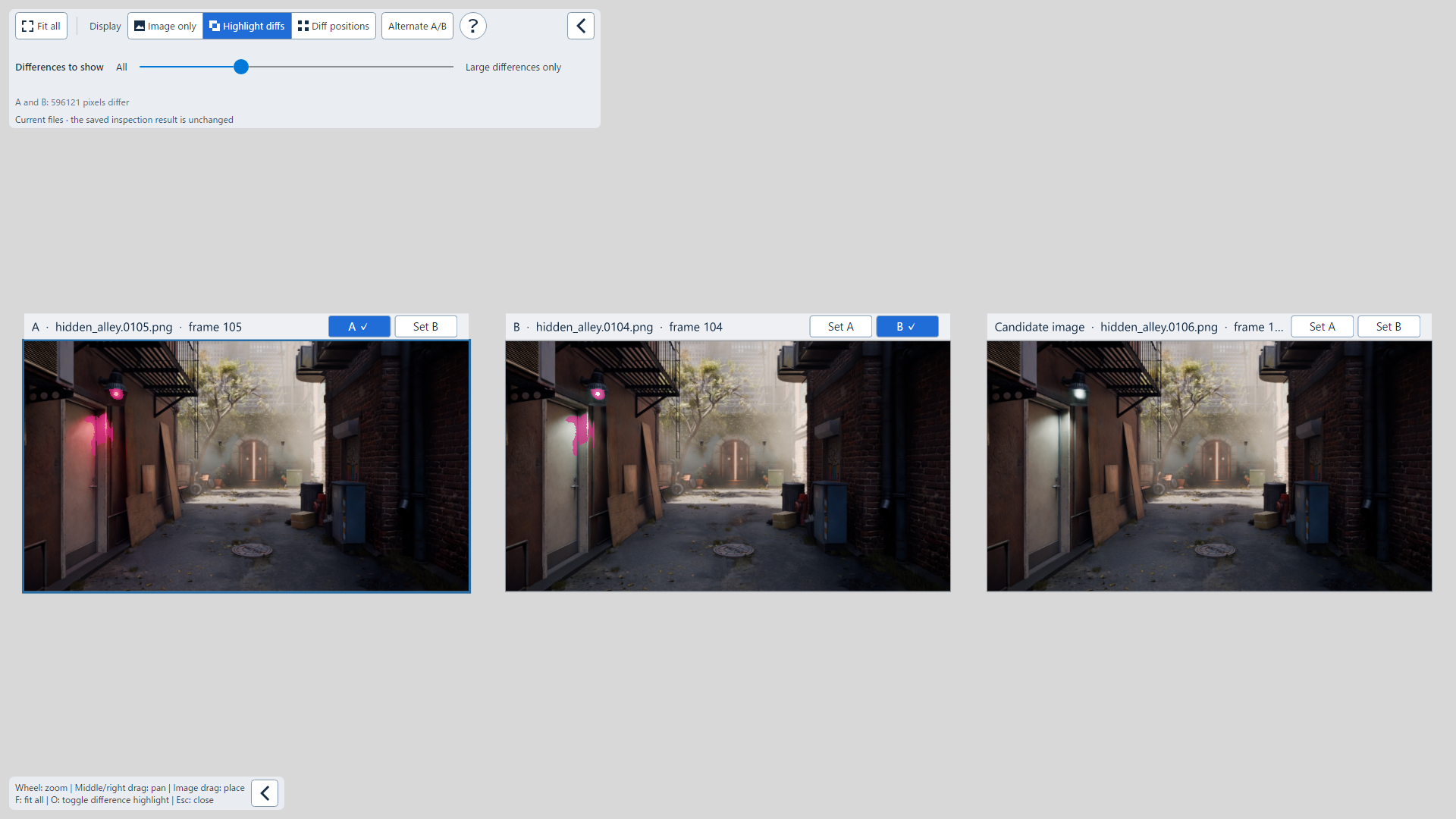
Open related frames from the inspection results. Highlight differences or alternate between two frames.
Highlight differences to see what changed between frames, such as a light and the surfaces around it.
Export saved results as an HTML report. Choose whether to include file names or locations when sharing.
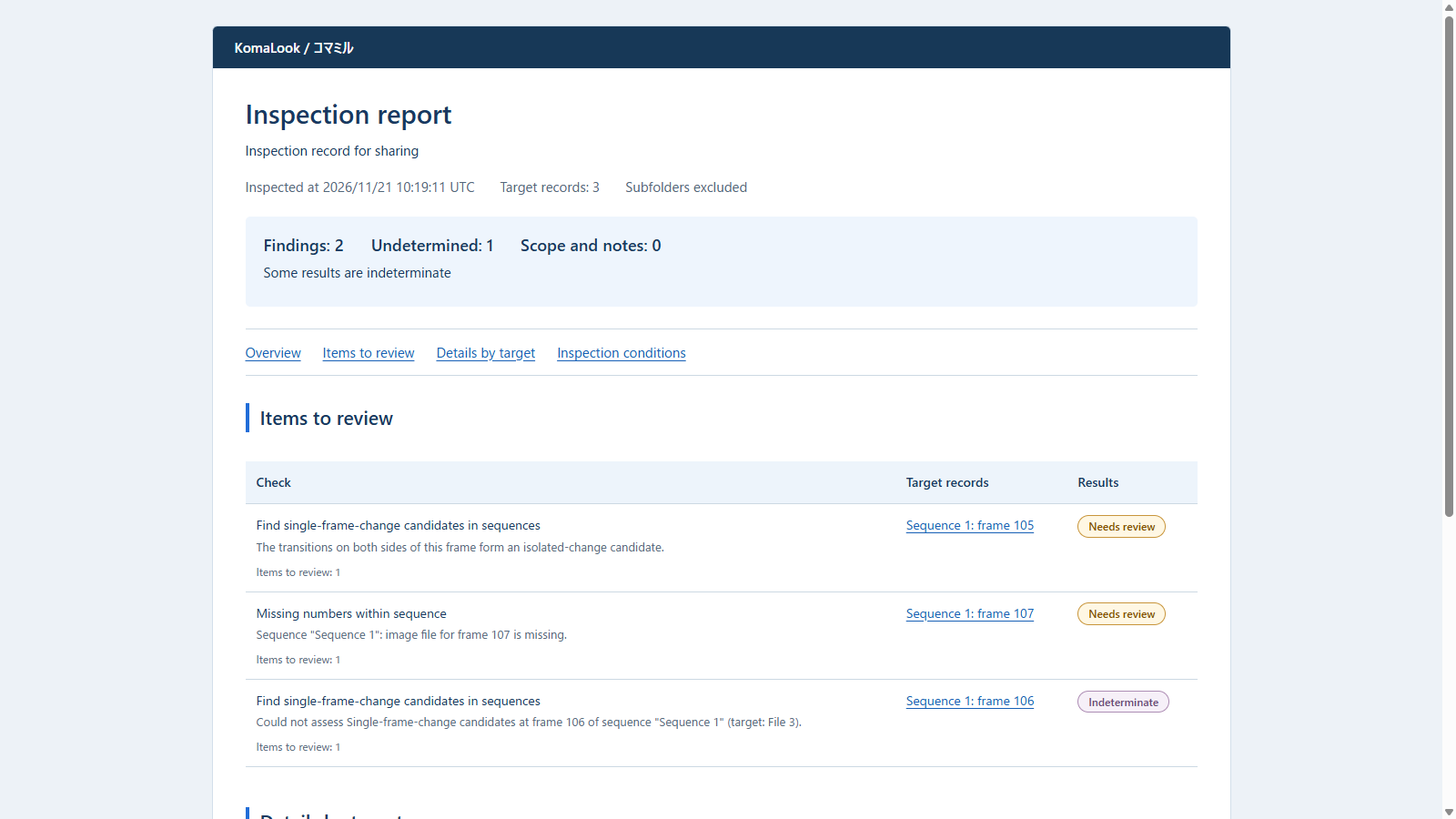
Scene: Hidden Alley by James Ray Cock and the Poly Haven community (CC0). Rendered for KomaLook with a light color change in frame 105 and a missing frame at 107. Poly Haven
KomaLook inspects and compares images on your PC. It leaves the originals unchanged, and you can use the app without creating an account.
US$4.99
Base price outside Japan
The price in Japan is ¥480 including tax. Checkout shows the final amount.
A one-time purchase includes released V1 updates. One person can use the license on any number of devices they own or manage.
How to download after purchase →Windows 11 (x64). We recommend 16 GB of memory. The app supports 11 display languages.
Windows may display a warning when you open the app. KomaLook is unsigned.