Save generations
Create a new generation without overwriting completed backups. Verify files individually.
 AtelierKeep
Back up the user data CLIP STUDIO PAINT manages on your PC, including settings, materials and moved material storage identified from its settings.
WINDOWS 11 x64 · 11 LANGUAGES
This is not an official or affiliated CELSYS product.
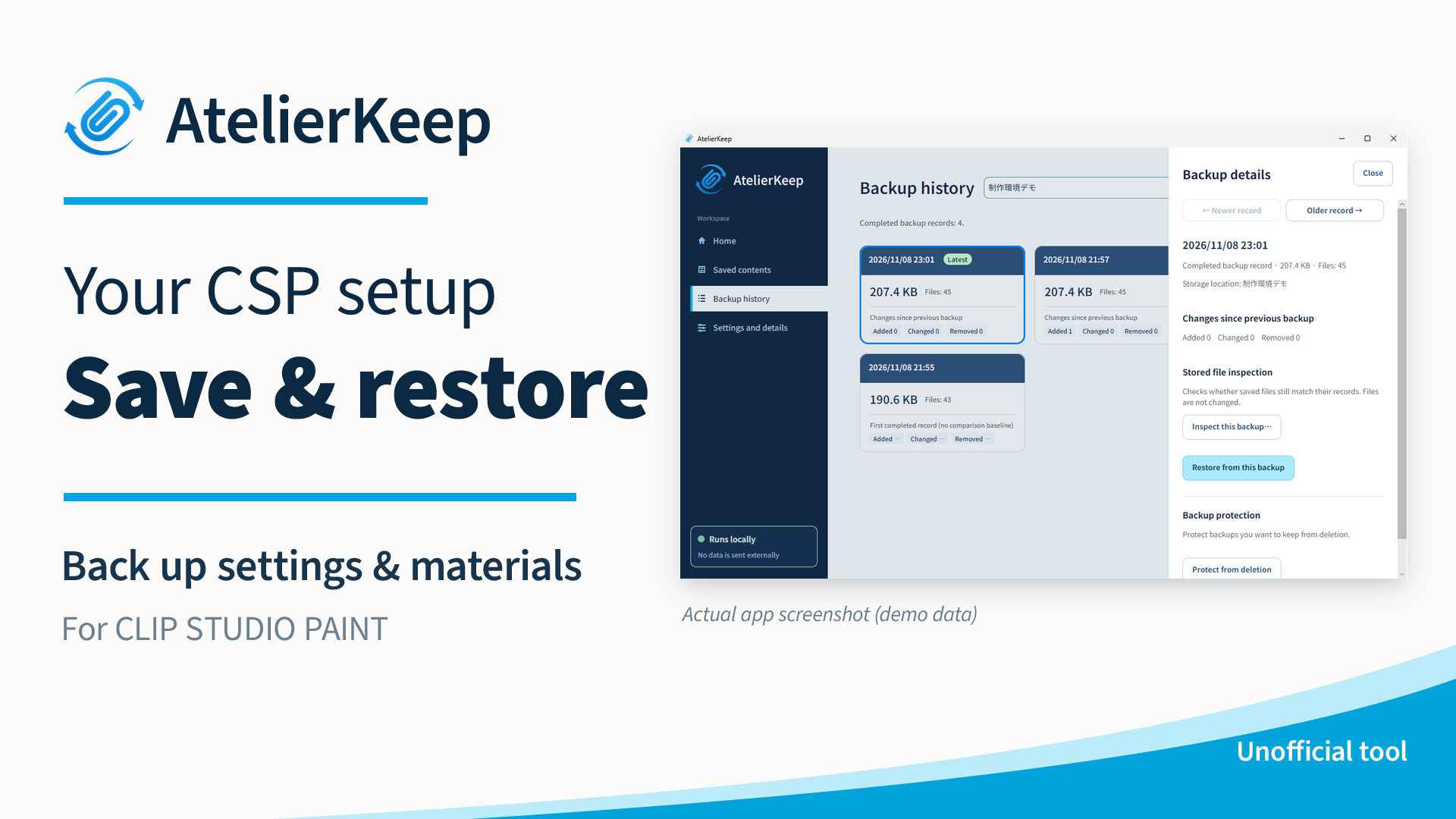
Create a new generation without overwriting completed backups. Verify files individually.
Browse saved contents, compare generations or the current environment, and inspect saved files.
Restore the whole confirmed environment from a selected backup. Return to an available environment retained before restoration.
The app does not automatically transmit your data. You choose where to store backups.
Japan: 480 JPY
Check taxes and the final total at checkout.
Windows 11 x64 (Intel / AMD)
User data CLIP STUDIO PAINT manages on your PC, plus moved material storage identified from its settings. The installed application, OS fonts, cloud-only data and arbitrary artwork/project folders outside the managed scope are not added automatically.
Restoration replaces the whole confirmed target environment, not one brush. Check retention of the current environment and the older retained environments proposed for deletion. Deleted retained environments cannot be restored.
Choose your own location. We do not recommend C:, because system failure or reinstallation could affect both originals and backups. Prefer another physical drive or an external device. Different drive letters do not guarantee separate physical disks.
Extract the complete ZIP and open AtelierKeep.exe. Keep App and Documents alongside it. Finish processing and exit normally before extracting an update into a separate folder. Copies used by the same Windows user share settings. Backups are not moved or deleted. There is no automatic updater.
漆草 / Urushigusa
[email protected]