01
Choose your source
Select the open PSD / PSB you want to export from.
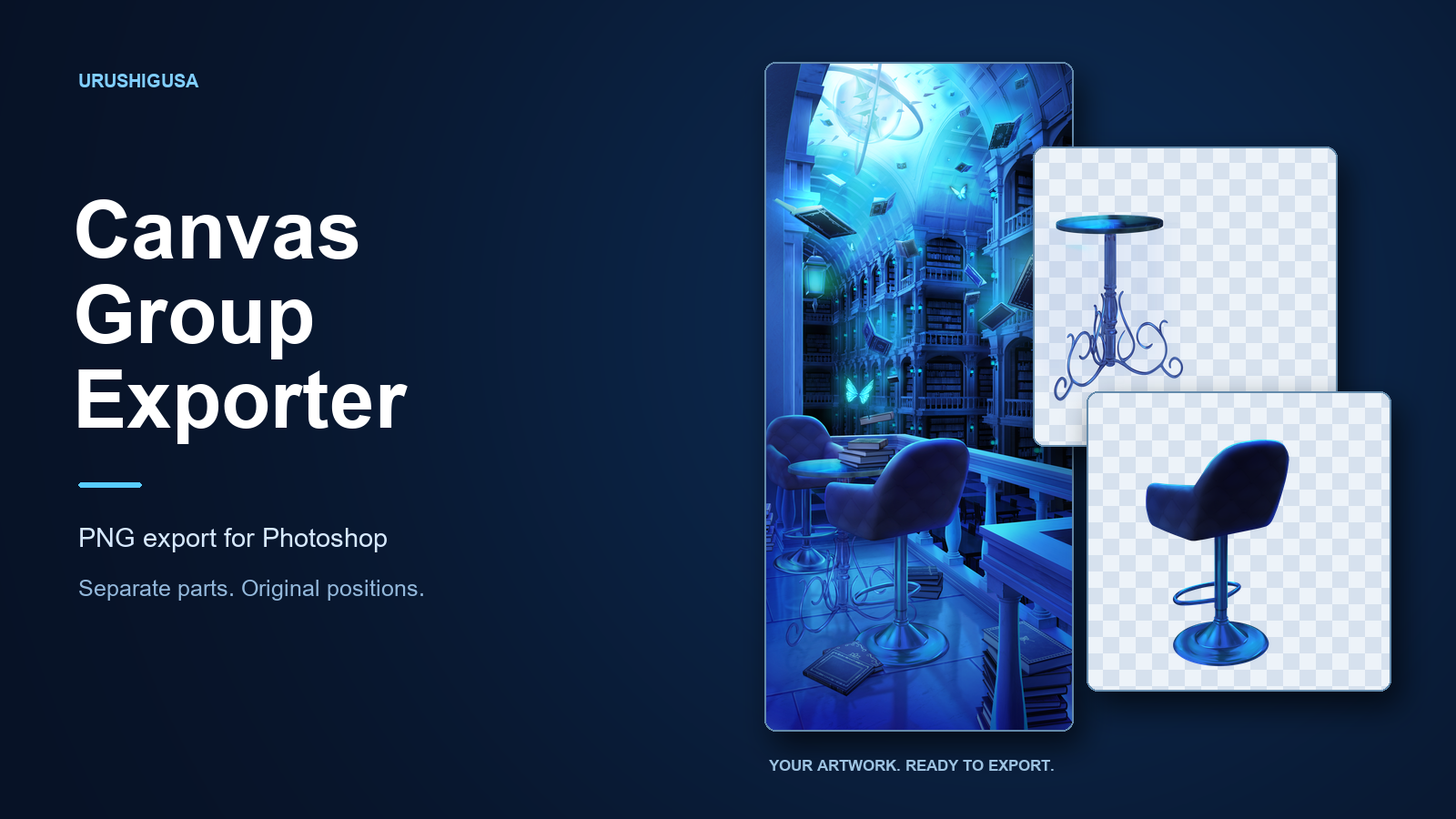
Export Photoshop groups and artboards as PNGs with their original positions and transparent space intact. Select the parts you need and export them together.
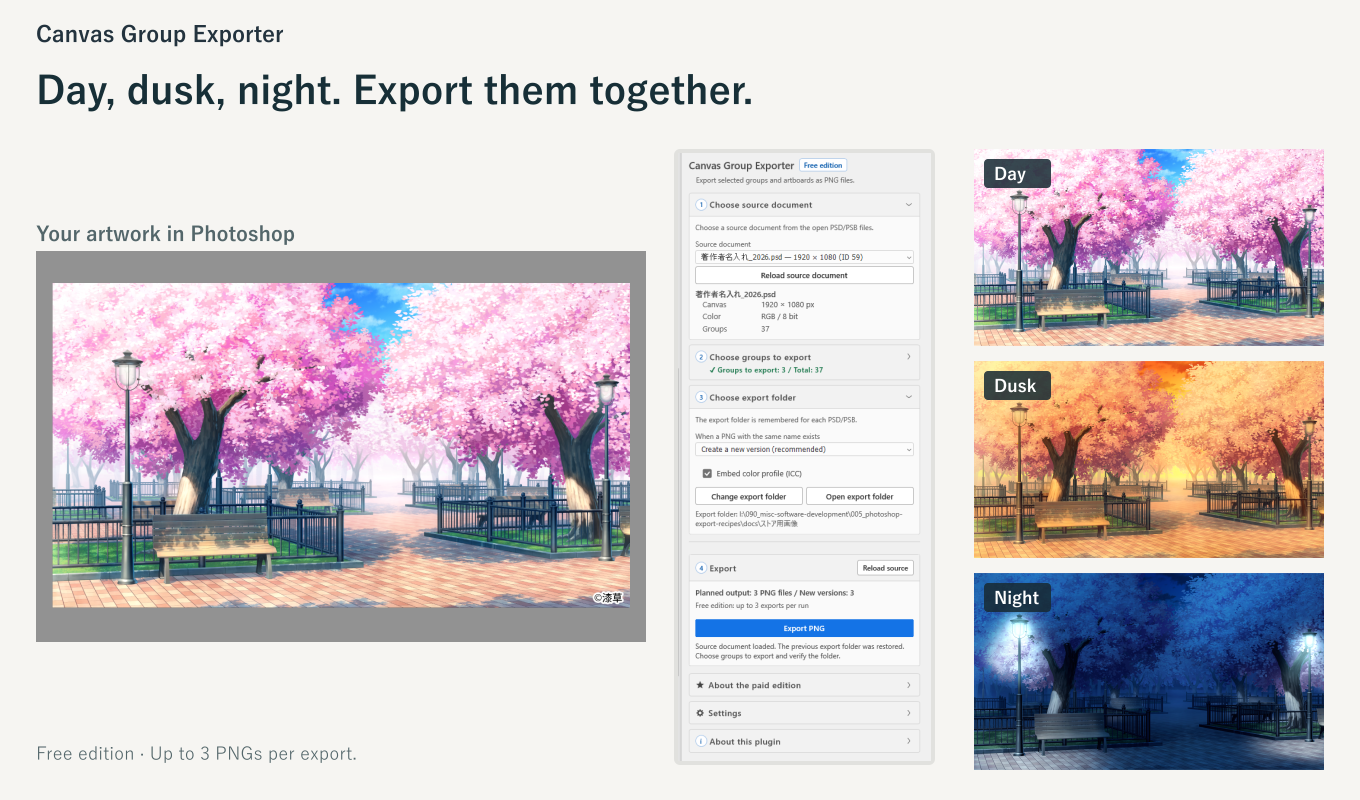
Select the open PSD / PSB you want to export from.
Check the groups or artboards you need. Each selected target becomes a separate PNG.
Choose a destination and how to handle existing filenames. Color-profile embedding is optional, and the folder is remembered for each PSD / PSB.
Click Export PNG. Your selected parts become PNGs that retain their original positions and transparent space.
Screenshots show the Free edition: up to 3 PNGs per run. The Paid edition has no per-run export limit.
Positions are preserved within the canvas or artboard. Export backgrounds, foregrounds and props separately, then stack PNGs from the same output area at the same origin without moving each part into place.
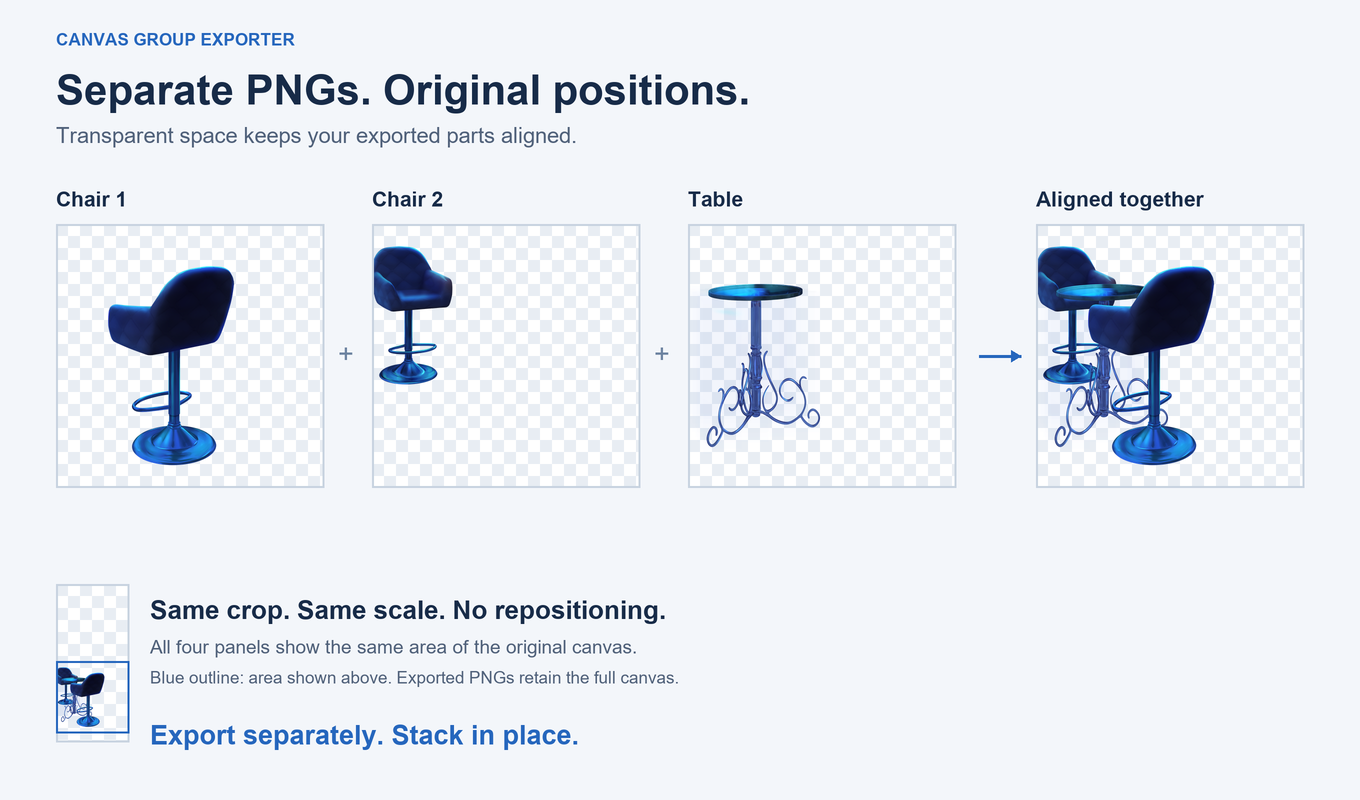
All panels show the same cropped area for clarity. Exported PNGs retain the full canvas dimensions and transparent space.
Select layer groups or artboards. Child-layer visibility is preserved during export.
Keep the position within the output area instead of trimming each PNG to the edges of its content.
Export using working copies while leaving the source document unchanged.
Up to 3 PNGs per run
No time limit, account registration or license key. For exporting a few parts at a time.
No per-run export limit
Sign in to the Hub with your purchase email to download the ZIP.
One-time purchase: US$4.99. Confirm the final amount, including tax, at checkout.
Color-mode conversion can make an exported PNG look different from the source document in the editor.