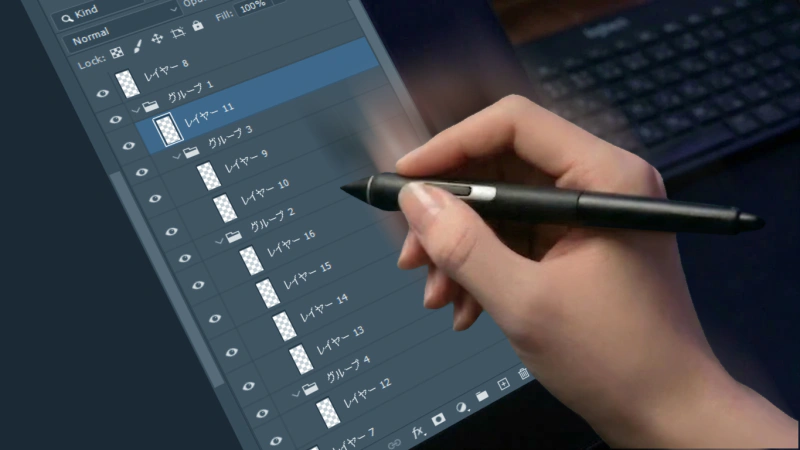
A Team Without PSD Standards Quietly Loses Time Every Day
“Why does this project feel slow every single time?” “Why does every handoff start with decoding the PSD?” “Why does a five-minute fix turn into a twenty-minute search?”
In many cases, this kind of slowdown is not caused by a lack of skill. It happens because the way PSD files are built is not standardized.
Layer names, folder structure, adjustment layer placement, how revisions are meant to be handled. If these basic rules are not shared across a team, the PSD becomes more than just “hard to read.” Every time the file changes hands, the understanding cost resets, and a little bit of time disappears at every stage of production.
What makes this dangerous is that it rarely appears as one dramatic disaster. It shows up as small daily losses. That is exactly why teams fail to treat it as a structural problem until the whole project starts slowing down.
What Makes It Dangerous? The Damage Spreads Far Beyond Layer Management
The scary part about an unstandardized PSD is not simply that “the layers are messy.” The real problem is that this ambiguity spreads into every phase of work.
First, revision work becomes slower. In many cases, finding the target layer takes longer than the actual correction itself. On top of that, you waste more time clicking through layers just to check basic things like blend modes and opacity.
Direction and review become especially painful when you are handling a large volume of PSD files at once. The artist or designer can stay focused on one file. The person managing the project cannot. They have to review many PSDs coming back from multiple contributors and make decisions across all of them in parallel.
At that point, it is unrealistic to keep the naming habits and layer logic of every PSD in your head. Worse, the memory decay is uneven. A PSD you reviewed yesterday may still be fresh. A PSD you touched once three days ago may already be half forgotten. When unstandardized files keep coming back in waves, you end up paying the same “How do I read this file again?” cost over and over. Without standards, that tiny re-learning cost multiplies across dozens of PSDs and slows down the entire direction process.
Handoffs are even worse. The next person does not start with actual production work. They start with investigation. They have to decode the file before they can do anything useful. That time does not improve the quality of the final output by even one percent.
A bad PSD does not slow down drawing speed. It slows down decision-making speed. The problem is not just extra clicks. The problem is excessive cognitive load.

Why Does This Happen? Why Does Everything Become So Person-Dependent?
The most obvious reason is the lack of shared standards for naming and folder structure. Different people group layers differently. Adjustment layers are placed in different locations. The same kind of layer gets different names depending on who made it. In that environment, the PSD is only readable to the person who happened to build it.
In other words, person-dependent workflows do not happen because someone is especially talented. They happen because there is no standard. A PSD that only a veteran can read is not a healthy production asset. It is just a hidden dependency on that person.
But the story does not end there. In my view, one reason standardization fails is not just team discipline. It is also Photoshop’s UI.
For example, imagine you carefully use layer colors to make things easier to read. That sounds like good standardization. But if that information cannot be effectively reused in everyday searching, filtering, or inspection, the practical benefit stays limited.
The same is true for naming rules. You can clean up names, but in Photoshop’s standard UI, that does not always translate into a strong feeling of “This actually makes me faster.” Once the PSD gets large, you are still dealing with scrolling, opening and closing groups, and click-based checking.
So in real production, the effort required to maintain standards is visible, but the reward is not. That is why rules remain in documents and collapse the moment a schedule gets tight.
Standardization does not fail only because making rules is hard. It fails because teams often lack a practical hook that turns standardized information into something useful during daily work.
The Solution Is Not “Faster People.” It Is PSDs That Do Not Make People Slow
This is not a matter of mindset. The answer is not “be more careful” or “search harder.” The answer is to design PSDs that do not become slow when anyone touches them.
That starts with a minimum set of standards:
- Layer naming rules
- Basic folder structure and folder color rules
- Clear placement rules for adjustment layers and effects
- Clear ways to distinguish export-ready elements from revision targets
But the truly important part comes next. It is not enough to define the rules. You also need to design a workflow where following those rules makes daily work measurably faster.
If you define naming rules, you should also be able to filter quickly by name. If state checking matters, you should be able to see opacity and blend modes without clicking every layer. If structure matters, you should be able to scan that structure and isolate what you need without fighting the UI.
Standardization, observability, filtering, and readability have to be designed together.
Only then does standardization stop being “bureaucratic overhead” and become a system that makes daily work faster.
DLLP Makes Standardization Visible and Helps You Cash In on Its Benefits
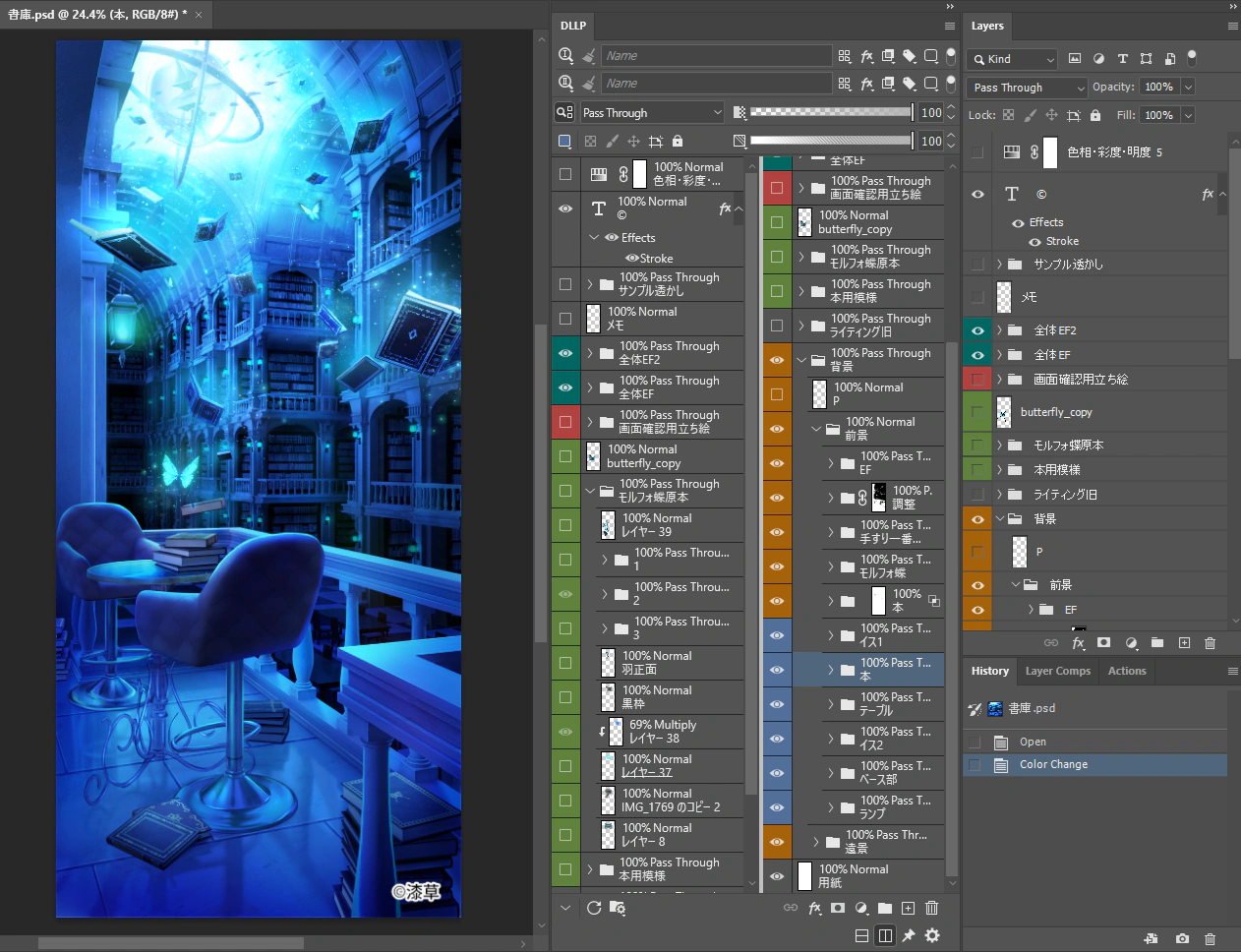
DLLP (Dual Linked Layer Panel) is a high-function Photoshop plugin that works alongside the standard layer panel. It is designed to make layer information easier to inspect at a glance and to reduce the cost of checking and searching through complex PSD files.
DLLP is not magic. It cannot fix a zero-rule environment by itself.
But it does make it much easier to connect standards to real production benefits.
The more consistent your naming and classification are, the more useful they become inside DLLP.Because it can display opacity and blend modes continuously, it reduces the constant “click just to check” tax. Because it supports filtering, it turns naming consistency and categorization into real search speed. Because it supports dual views, it helps you work with complex PSDs while keeping the right information visible.
That is what makes DLLP valuable here: it acts as a practical hook that turns standardized information into usable information.
And on the flip side, tools like DLLP also expose how unprepared your files really are. Inconsistent names. Unreadable structure. No clear sense of where anything lives. Those problems become visible immediately.
That is not a drawback. It is the beginning of improvement.
If you want a more concrete look at reducing search time and making naming consistency pay off, these articles may also help:

Are You Throwing Away 40 Hours a Year Searching for Layers? The Ultimate Filtering Tool That Finally Makes Photoshop Layer Search Instant
Scrolling through layers by eye and hoping to find the right one is a fundamentally broken workflow. Here's how to eliminate that wasted time.
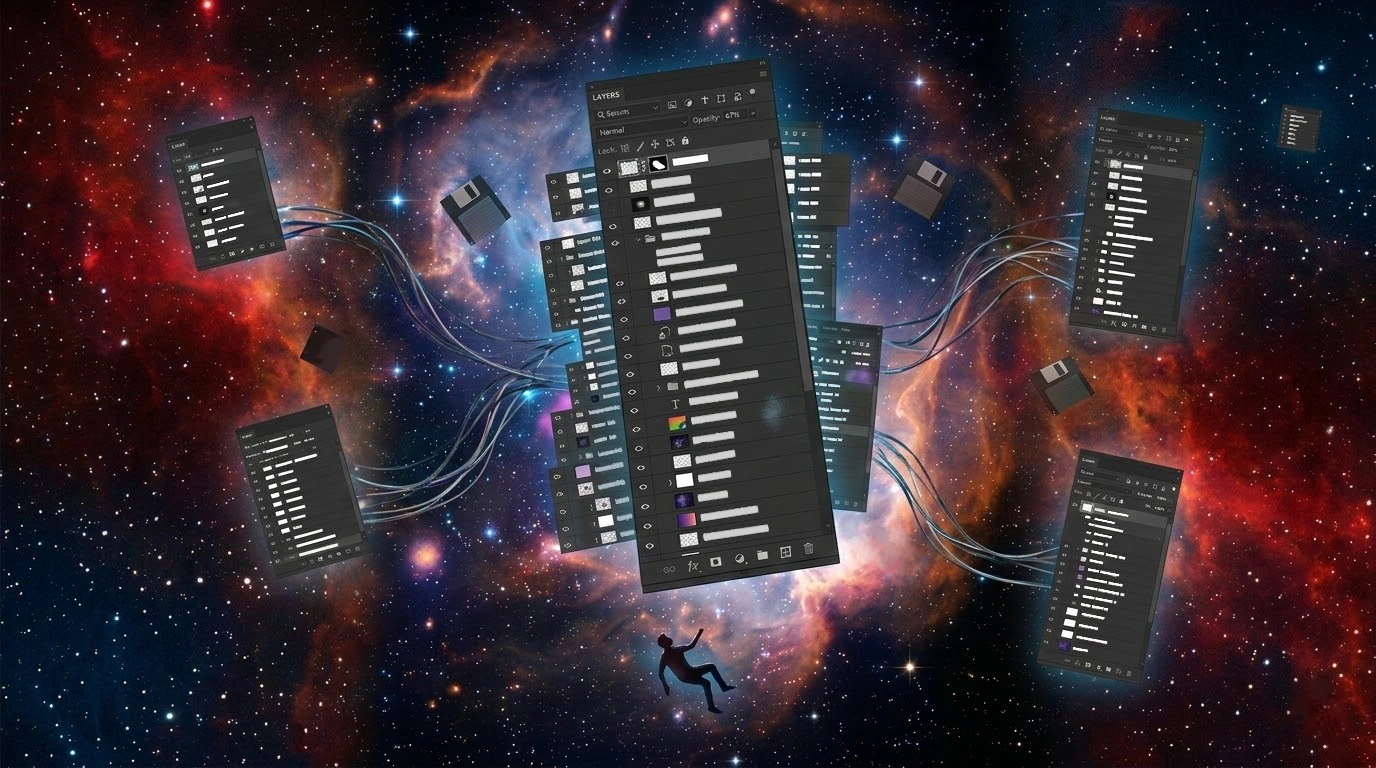
How to See All Layer Opacity and Blend Modes at Once in Photoshop
If you have to click every single layer just to check opacity or blend mode, your UI is working against you. Here's a better way.
Summary: Without Standards, There Is No Improvement. But Standards Alone Are Not Enough
If your team is always busy but never truly moving faster, the problem may not be motivation. The structure itself may be slow.
And if PSD standardization never seems to stick, the reason may not simply be “low awareness.” If a standard does not lead to obvious daily benefits, teams will stop following it under pressure.
That is why you need both: clear rules, and a working environment where those rules actually make production faster.
If your team is constantly losing time searching for layers, checking state, and re-understanding file structure, do not blame individual speed first. Question the design of the PSD itself, and the environment you use to work with it.
Stop Wasting Time on Layer Verification
Experience the full power of DLLP for 30 days. Installation is easy, and you can start improving your work efficiency right away.
Start Free Trial